



Permissions and visibility controls that keep teams focused and data protected
As your operation grows, not everyone should see the same information or have the same level of access. Cleaners, contractors, supervisors, office staff, regional teams and owners all need different views of the business.

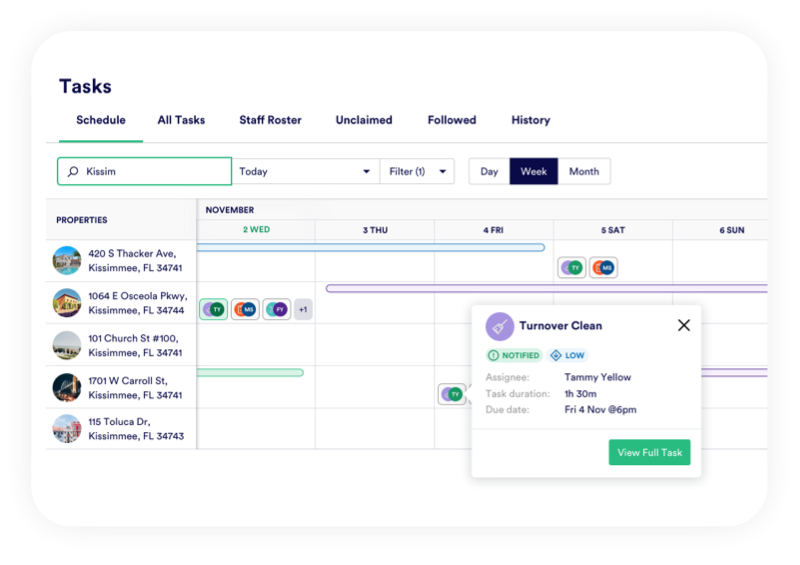


Total control
You decide who can see what and when
PropertyCare gives you permissions and visibility controls to decide what users can do and what they can see. This helps protect sensitive information, reduce noise for field teams and keep complex operations organised.
The aim is simple: every user gets the information they need to do their job, and nothing more.
Role-Based Access
User rights groups for different roles
User rights groups help define what people can do in PropertyCare. A cleaner may need to view and complete tasks, a supervisor may need to approve work, and an office manager may need broader reporting and scheduling access.
Property Visibility
Define visibility by property or team
Visibility controls decide which properties, tasks and data each user can see. This is useful when teams work by region, contractor group, owner portfolio, brand or operational department.

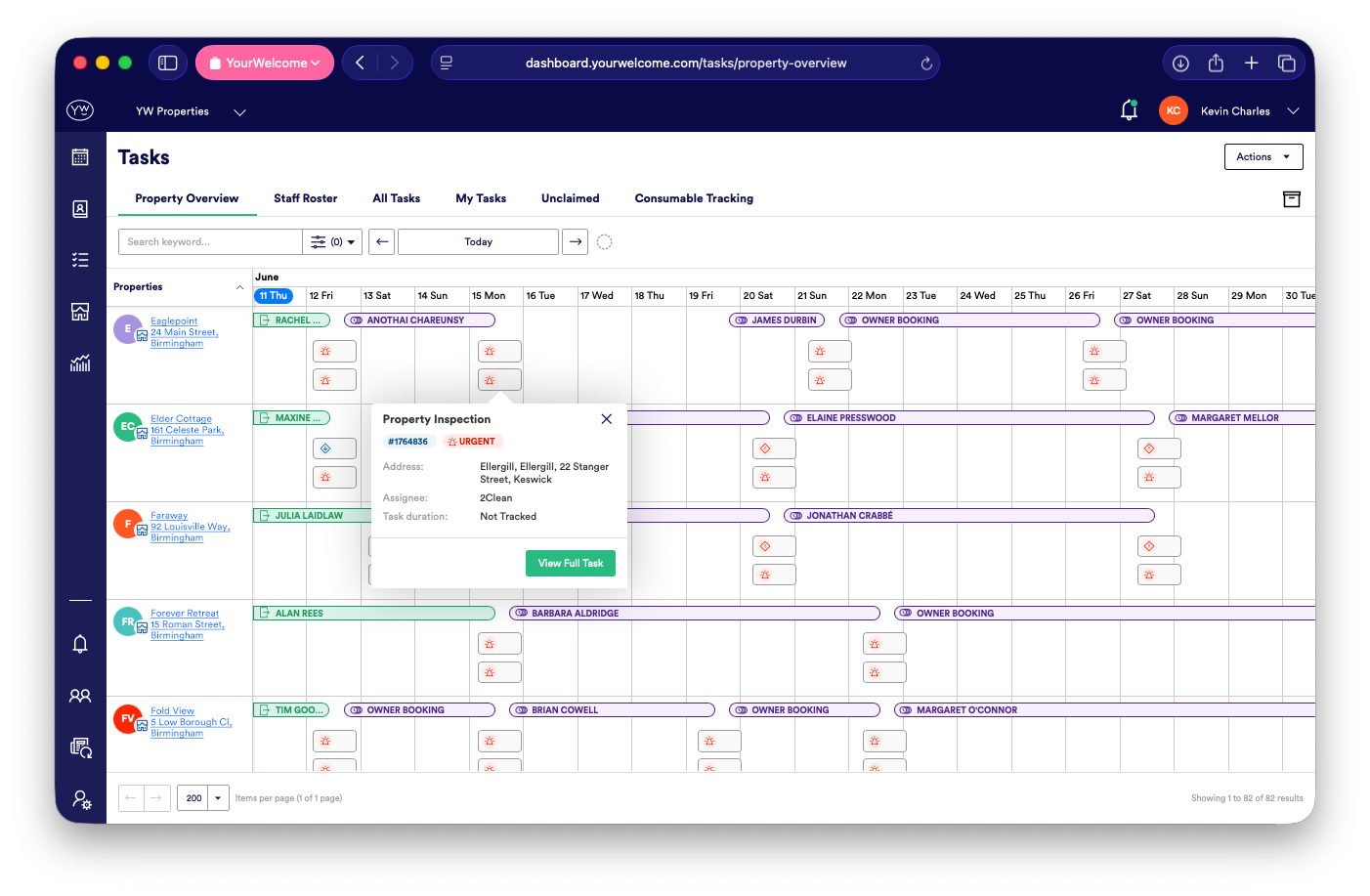
Secure Sharing
Share information safely
Property information such as access codes, parking notes, guest details or owner costs should not be shared with everyone. PropertyCare helps restrict sensitive data to the people who genuinely need it for the task.
Less Noise
Reduce clutter for field teams
Permissions are not only about security. They also make the app easier to use. When cleaners and contractors only see relevant properties and tasks, there is less noise and less chance of confusion.
Scalable Control
Support growth without losing control
A small team can manage access informally. A larger operation needs structure. PropertyCare helps you add staff, contractors and teams while keeping clear boundaries around data, tasks and responsibilities.
Ready to control who sees what?
PropertyCare helps you manage user permissions, property visibility and secure information sharing across your operation.
Ready to control who sees what?
PropertyCare helps you manage user permissions, property visibility and secure information sharing across your operation.
Frequently Asked Questions
Can I control what users can do in PropertyCare?
Yes. User rights groups help define permissions for different roles and responsibilities.
Can I limit which properties someone sees?
Yes. Visibility controls can restrict access by property, team, region or portfolio.
Can contractors have limited access?
Yes. Contractors can be given access only to the tasks and information they need.
Can sensitive property information be protected?
Yes. Access notes, guest details and other sensitive information can be controlled through permissions and visibility.
Can permissions support multiple teams or brands?
Yes. Permissions and visibility controls can help separate different teams, brands or operational areas.


