



A mobile app that gives field teams everything they need on the job
Your cleaners and maintenance teams do not work from a desk. They need simple, clear information while they are moving between properties, carrying supplies and working against check-in deadlines.

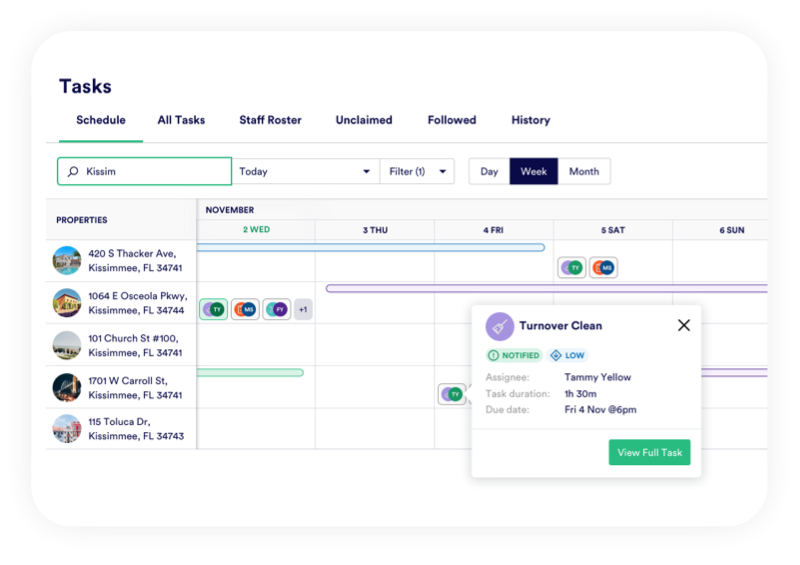


Task access on-the-go
A simple, clear and easy mobile solution
The PropertyCare mobile app gives field teams their tasks, checklists, property notes, reference images, issue reporting and proof-of-completion tools in one place. It is designed to replace scattered messages, printed notes and unclear instructions.
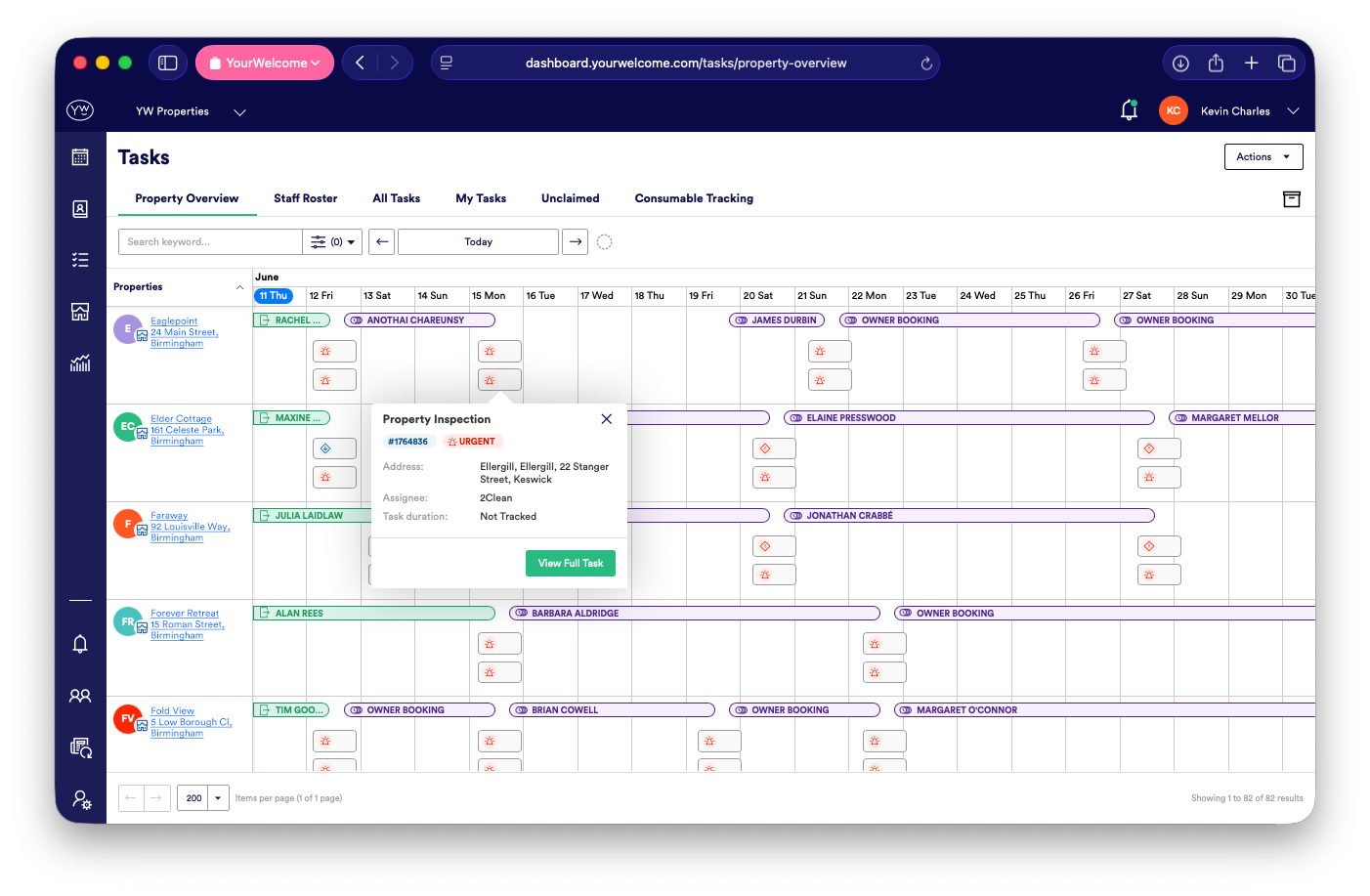
For managers, the app turns work happening in the field into live operational visibility back in the office.
Field Team Focus
Today’s tasks in one place
Team members can open the app and see the tasks assigned to them, including property details, due times, task category and key instructions. This gives each person a clear view of their working day without needing access to your PMS.
Live Task Updates
Accept, decline and update work
Tasks can be accepted, declined, started and completed from the app. That gives managers better visibility before and during the day, while field teams get a simple way to confirm what they can do and update progress as they work.

Standards In-App
Checklists and reference images in the field
The app can show task checklists and reference images, so cleaners know exactly what is expected at each property. This helps maintain standards even when the team includes new starters, contractors or cover cleaners.
Proof & Reporting
Proof of completion and issue reporting
Photos can be uploaded from the property to confirm work has been completed. If something is damaged, missing or not working, the issue can be reported from the same task with photos and notes attached.
Controlled Information
Information without the noise
The app gives field teams the information they need for the properties and tasks they are responsible for. Access notes, parking details and instructions can be controlled through visibility settings, so sensitive information is not shared more widely than needed.
Ready to give your field team one simple app?
PropertyCare helps cleaners and maintenance teams complete work properly while giving managers live visibility from the office.
Ready to give your field team one simple app?
PropertyCare helps cleaners and maintenance teams complete work properly while giving managers live visibility from the office.
Frequently Asked Questions
Does PropertyCare have a mobile app?
Yes. PropertyCare includes a mobile app for cleaners, maintenance teams and field staff.
Can cleaners complete tasks in the app?
Yes. Cleaners can view tasks, follow checklists, upload photos and mark work as complete.
Can team members accept or decline work?
Yes. Tasks can be accepted or declined from the mobile app.
Can issues be reported from the app?
Yes. Field teams can report issues with photos and notes directly from the task.
Can access information be controlled?
Yes. Visibility settings help control which users can see property and task information.


